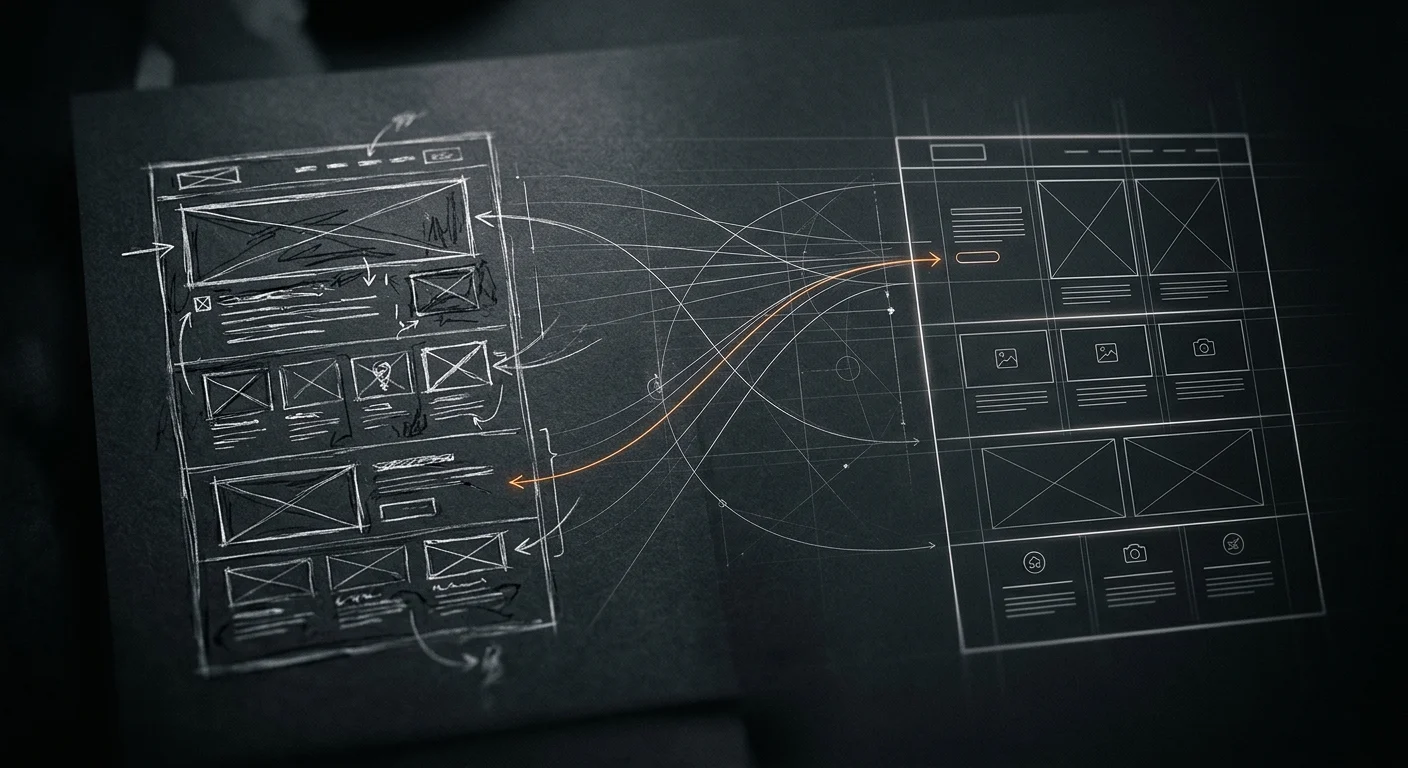
How We Run Design Passes With AI Agents
The CodeMySpec app looked bad. The model’s biggest sin was putting the whole UI in one file, so you’d click New and a giant form would appear on the page. No modal, nothing. There were overflow issues everywhere and a lot of ugly components. The whole thing felt half-asked.
I wasn’t going to fix it myself, because I’m not a designer. I wasn’t going to hire one either, because I’m early stage and have no budget for it. I run design passes with AI agents instead. Each pass is one agent working on one page, and I wrote the rules down in a playbook the agents read first.
None of this is a shipped product. It’s how I run design passes today. A design agent inside CodeMySpec is a direction I’d like to take it, not a feature you can use.
Why not just give feedback
The agent didn’t catch anything I would have missed. What I didn’t want was the labor. Going through every page and giving feedback on all of it would have taken forever.
There’s a second problem. I’m not a designer, so my feedback isn’t that relevant. What I want isn’t necessarily good design. I needed reasoning from something that acts like a capable designer, and that isn’t me.
What people building with AI get wrong
They don’t dedicate anything to design. You can just have the model write your UI. If you don’t give it any brain space or machinery, you get the model’s default. It looks like everybody else’s AI-generated website, and you end up right in the middle.
People get lazy. They think they don’t need to take part in the process, and they take the slop.
The lever is screenshots and Opus
On our funnel pages I had an agent match the words to the design. My first reaction was that it looked nothing like the design. The copy matched, but the layout and navigation didn’t.
I told it to send screenshots to an Opus agent and fix it. That’s the big lever. I learned that Opus 4.7 has much better visual reasoning, and that’s what makes this work. The agent looks at the real page, compares it to the design and sees what’s wrong the way a designer would.
The playbook says the same thing now: compare to the design section by section, at desktop and phone width, and list what differs.
I also learned that facts beat design copy. If the design says “no card” and the real trial needs a card, the page follows the facts.
One page, one commit
A pass covers one page and ends in a commit with a before and after screenshot. It doesn’t end in a plan. If the agent can’t show what the user sees now, the pass didn’t happen.
The first step is boring on purpose. The agent opens the app and takes one screenshot. If it can’t, it stops. I added this after a Sonnet agent redesigned a page with no working browser and nobody ever saw the result.
Rank the problems from real data
The agent writes down the problems worst first, then fixes the top three or says why it didn’t.
The ranking has to come from real data. On the page that lists our chats, 13 of 22 chats were empty, which is why one column looked empty on every row. You can’t see that in a picture.
For each column and control, the agent asks three things. Does it vary? Does the user act on it? Would they miss it? A badge that says “Offline” on nearly every row isn’t information. It should only show on the exceptions.
A pass that only polishes has failed. A new badge colour doesn’t count if you still can’t scan the table.
Opus fixes the problem, Sonnet polishes
I ran the same page twice. A Sonnet agent made 13 lines of changes. It demoted a badge, put dates on one line and fixed a wrapped name. It left the real problem alone: a column reading “Offline” on every row.
An Opus agent ran the same page with the same playbook. It ranked the problems from the data, added a count line that filters to what’s waiting on you and removed the all-Offline column. Same page, same instructions.
Now every pass runs in one Opus agent. Sonnet only does mechanical edits that someone else already planned.
It checks the real thing, not just the look
Because the agent works on real data and drives the real page, it reports problems nobody asked it to look for:
- On a phone, a stopped agent’s header pushed the play and power buttons off the screen.
- The Issues chart counted 54 resolved issues as open. It showed 200 when the real number was 148.
- The home page hero sent a sentence to the build page, and the AI never replied. It only showed up when the agent drove the flow once in the browser.
I could have found those. I didn’t have to.
Components first, then tokens
I give the agents fixed layers:
- Pages decide content and composition: which components, in what order, with what words.
- Components decide structure and behaviour: the markup, the slots and the closed list of variants.
- CSS tokens decide how things look: colour, radius, type and spacing.
I name variants by meaning (ok, warn, bad) and never by appearance (green, big blue). The look of a meaning belongs to the theme.
That’s why a theme swap is a CSS swap. A new theme is one CSS file and one registry entry. A page can set layout, but it can’t set colour, radius or font. If a page needs one, the missing piece is a component variant or a token.
The goal is a small, fixed catalog of components with typed inputs. A person can use it, and an agent can read it and compose pages from it.
What a pass has to report
Every pass reports what the page lost. Folding and hiding make a page quieter, and a page can end up with nothing useful on it. One run left an overview page showing only “Nothing right now”.
If a default is wrong, the agent changes it and lists it under “for John to decide”, with the evidence. It doesn’t stop and ask. I’d rather decide with the evidence in front of me than answer a question mid-pass.
The playbook keeps the lessons
Most of the playbook is lessons from runs that went wrong. Browser tools vanished from some sessions. One run died on its own login and left half-finished edits. Two agents sharing one browser took each other’s screenshots. Each one became a line in the playbook, so the next pass starts with what the last one learned.